Your calendar, your way
Colour-code your shifts, organise calendars and recognise work and rest at a glance.
 ShiftMate.
THE ANDROID APP FOR SHIFT WORKERS
Your calendar, appointments, notes, alarms and summaries in one place. Less time organising work, less stress and more room for everything else.
Free download · Ads and in-app purchases
A MORE ORGANISED DAY
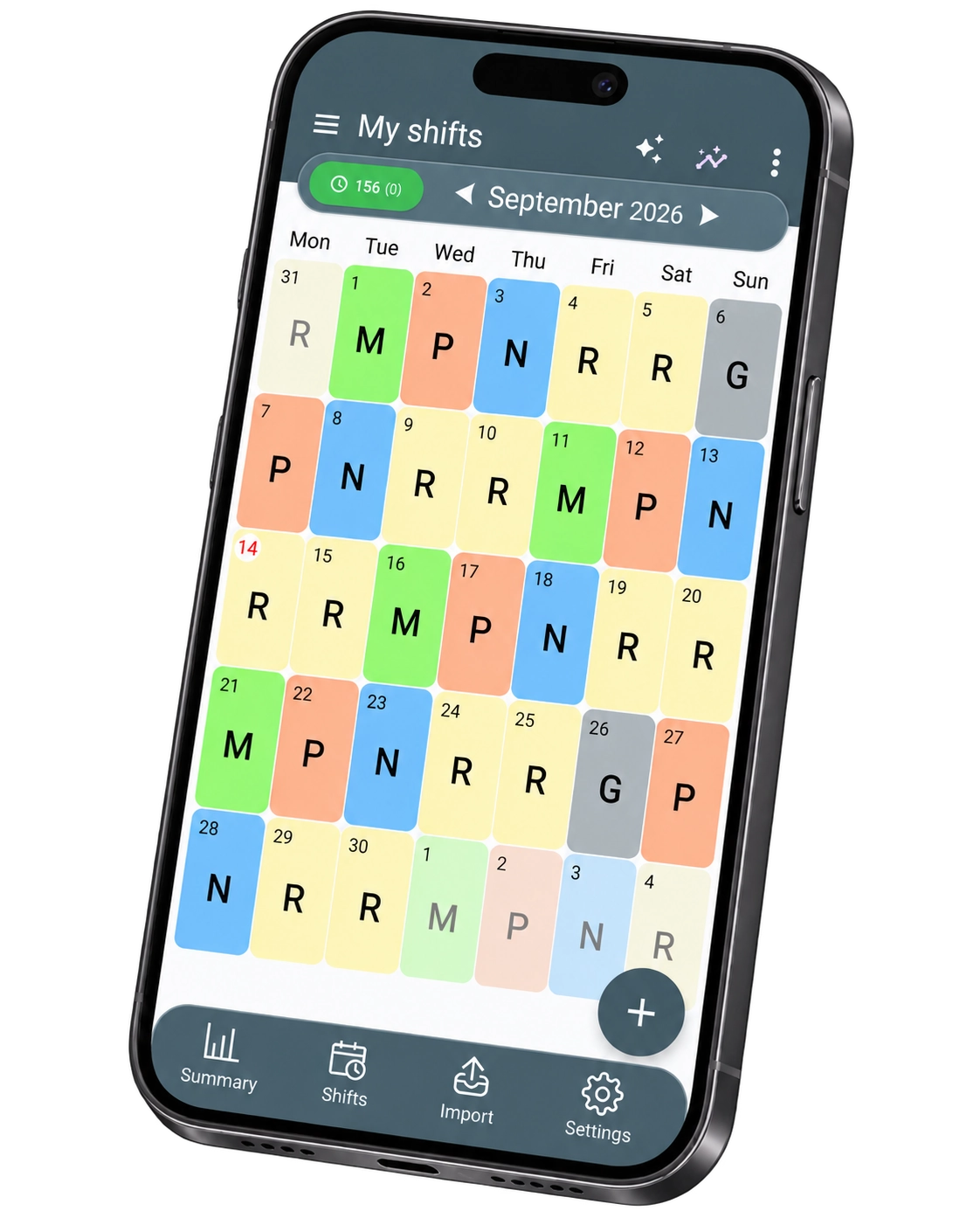
MORE CLARITY, EVERY DAY
Mornings, afternoons, nights and days off: one place to see the whole picture.
Colour-code your shifts, organise calendars and recognise work and rest at a glance.
Set alarms and reminders for your shifts. Notifications require the relevant device permissions.
Import shifts from compatible PDFs or images, then review the results before confirming them.
Use the sharing features to keep the people you choose up to date with your shifts.
BEYOND THE CALENDAR
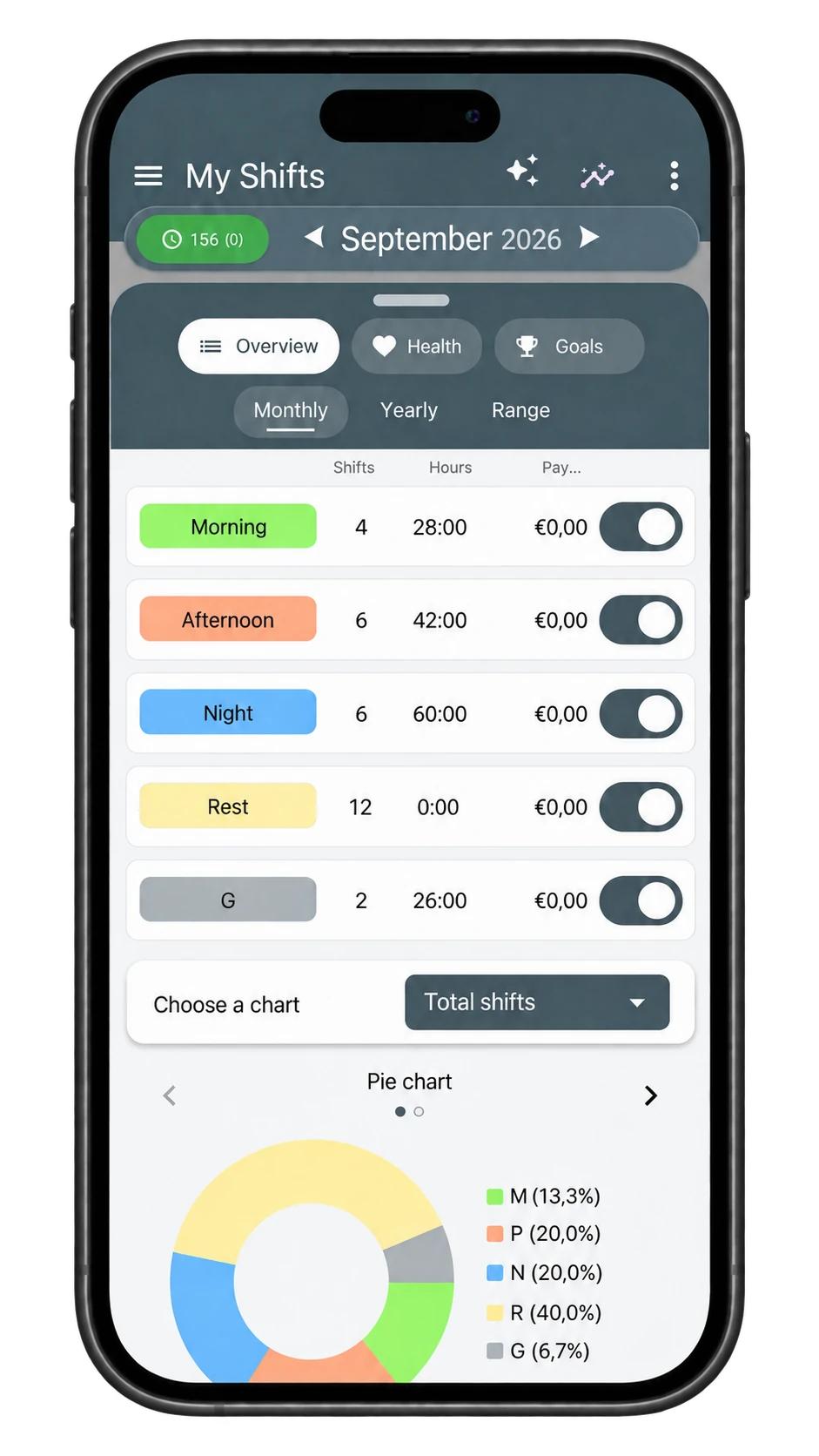
01 / SUMMARIES
Review summaries of your shifts and hours. A simple way to make sense of your month.
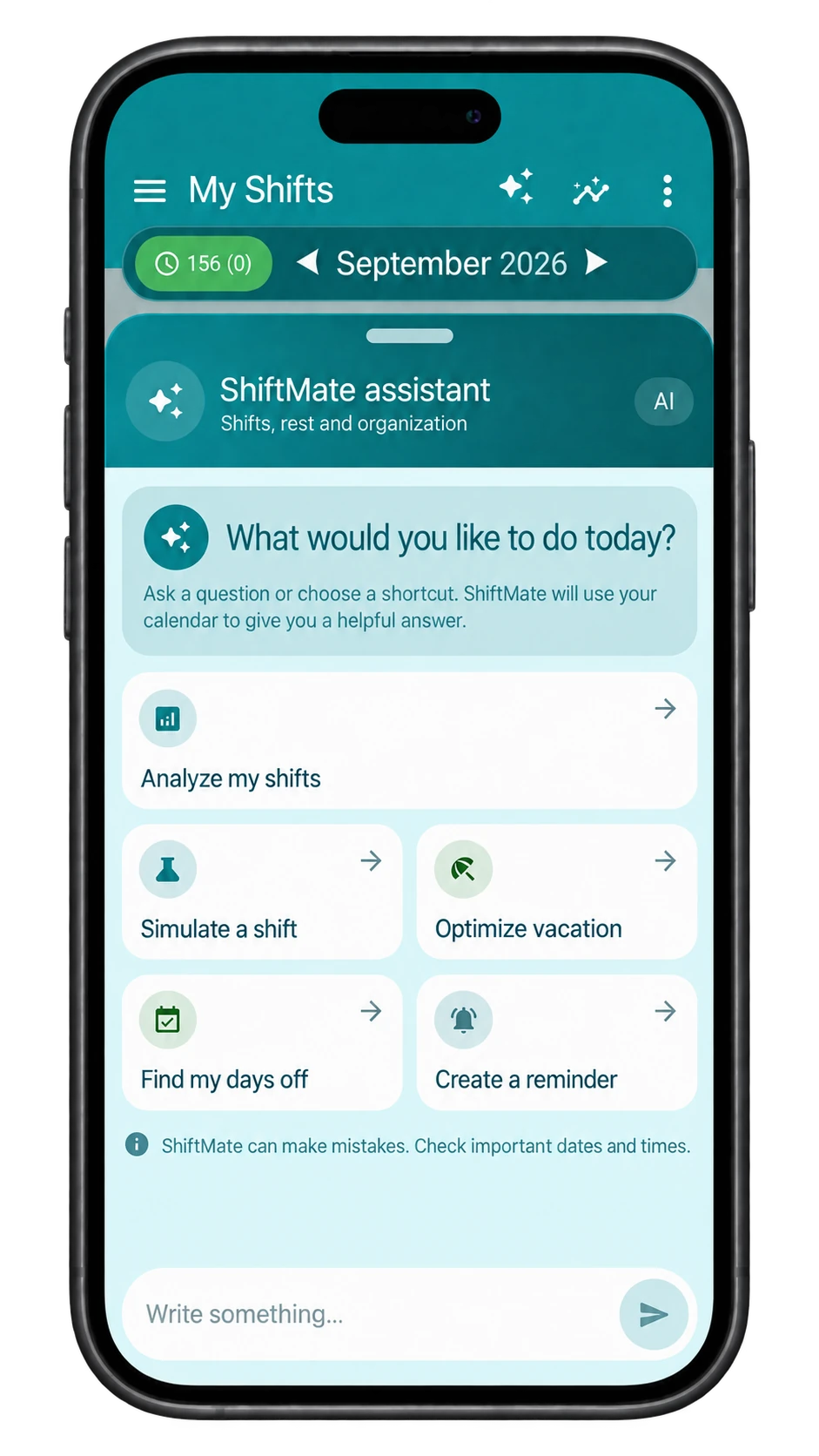
02 / SHIFTMATE ASSISTANT
Explore shifts, days off and planning with the AI assistant. Always check important dates, times and suggestions.
THE SAME CALENDAR. YOUR OWN STYLE.
Minimal or full of character? Choose a preview and find a theme that feels like you.
Some themes and features may require purchases or have usage limits. See the app and Google Play for details.
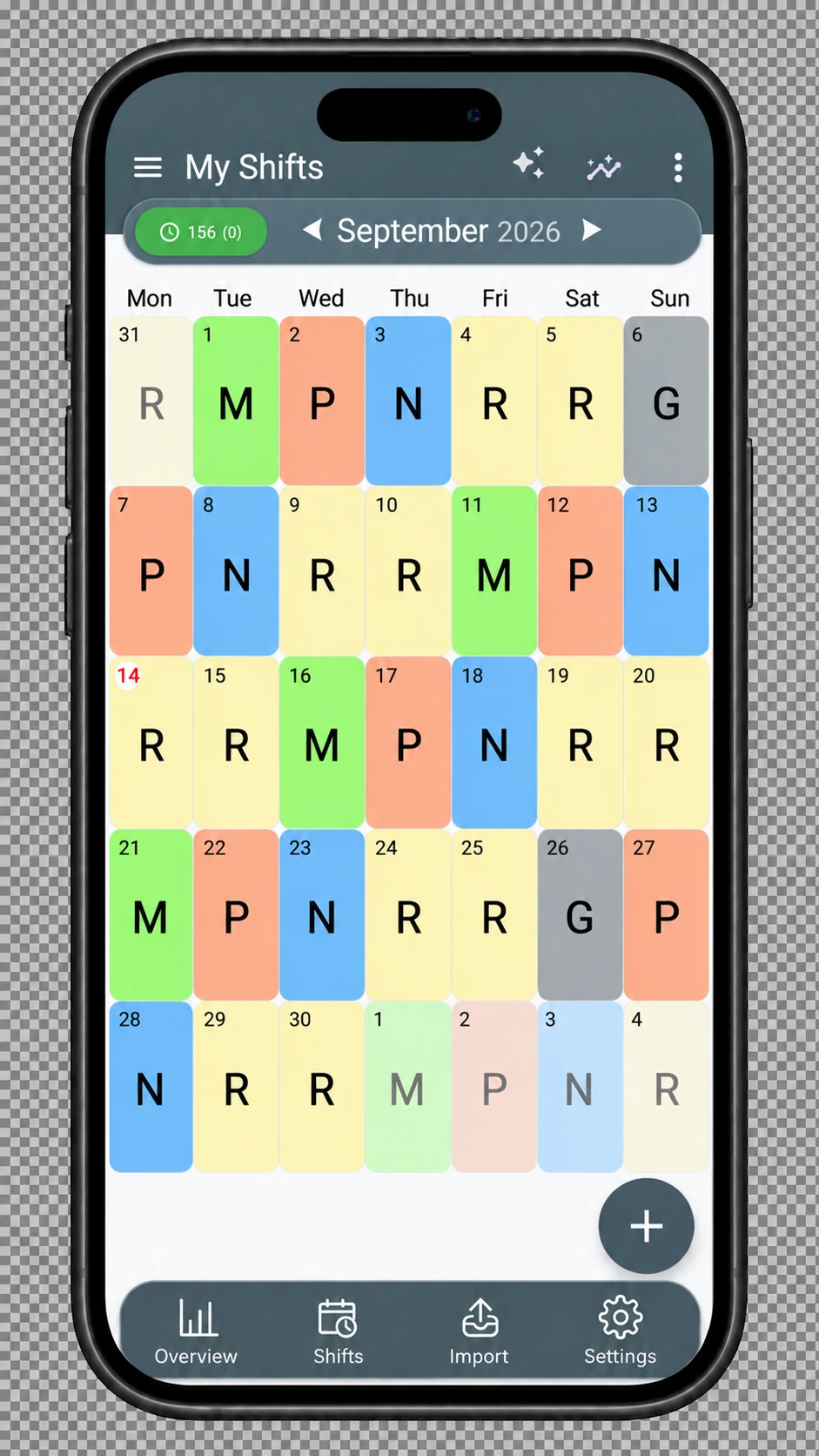
Clear colours. Shifts you can spot instantly.
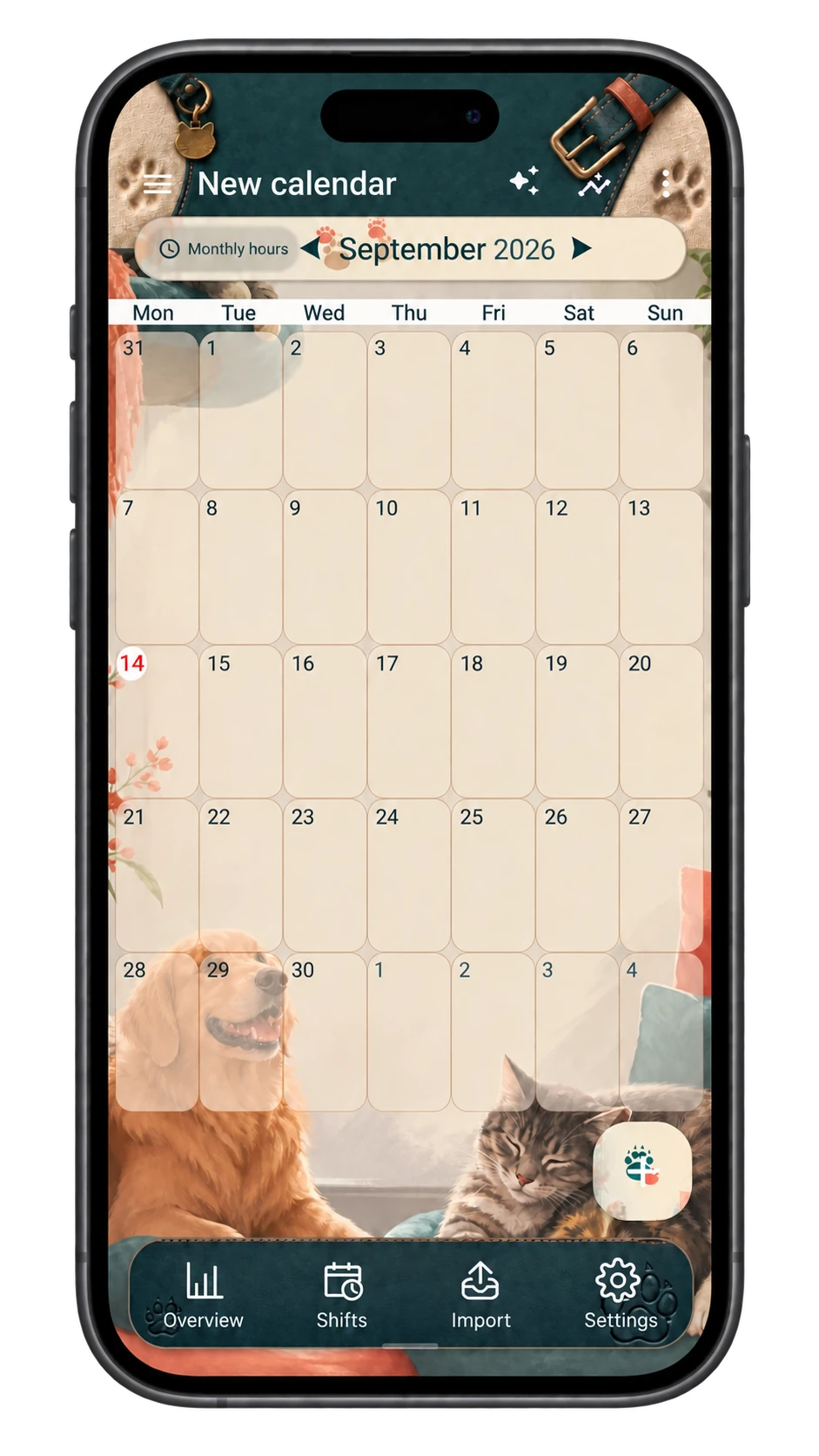
A little company, even in your calendar.
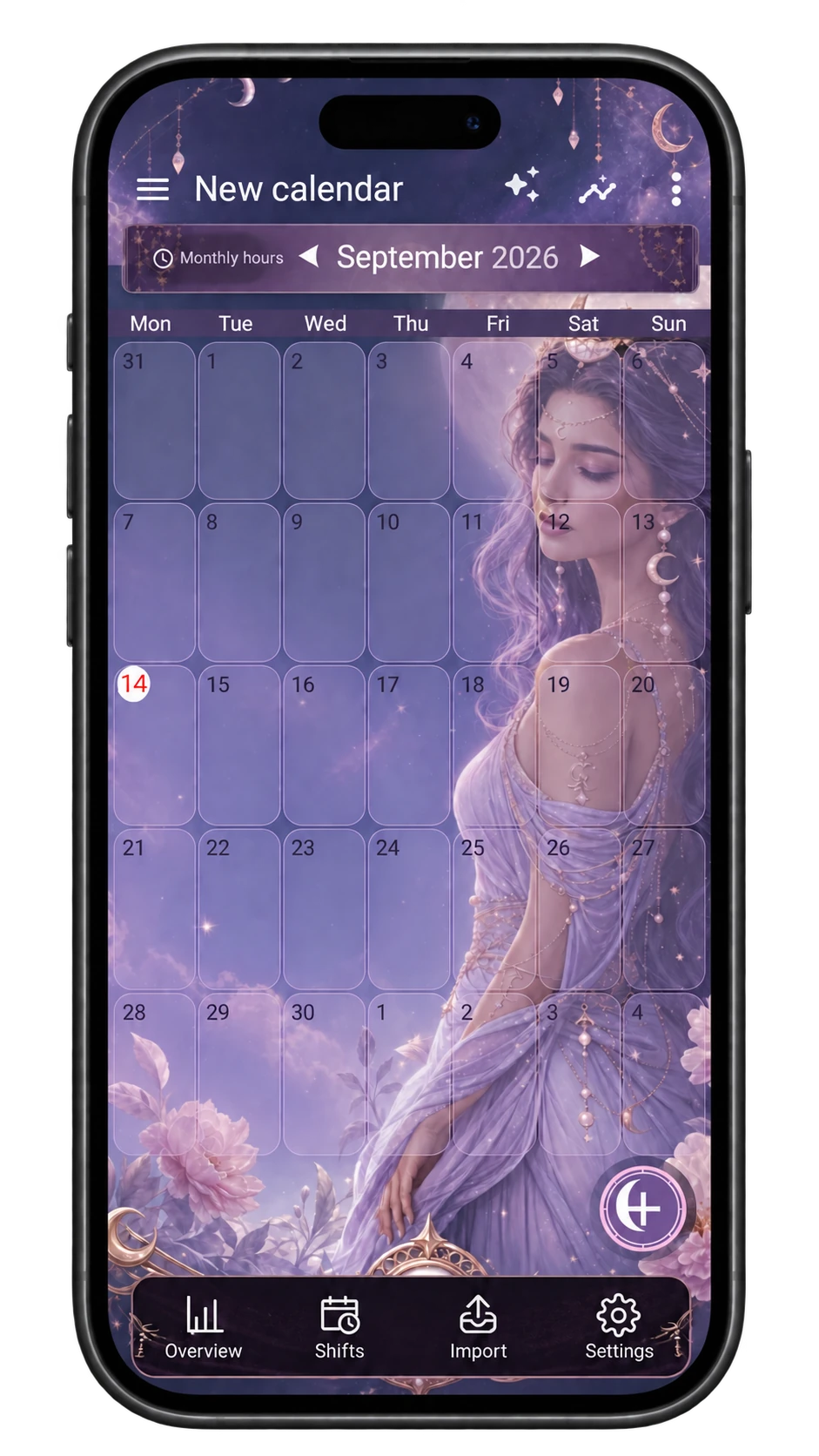
A small universe to carry with you.
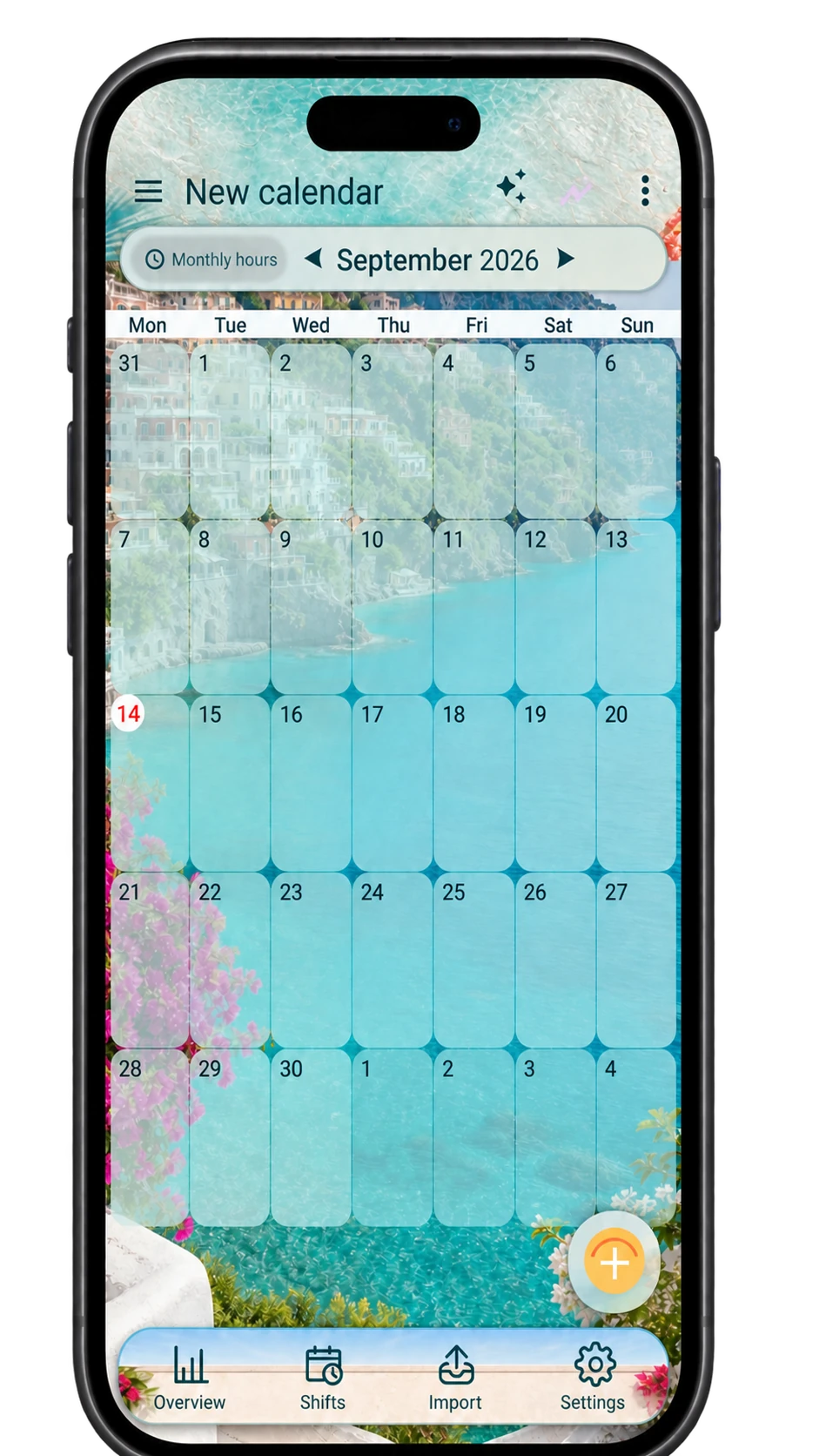
A breath of summer between shifts.
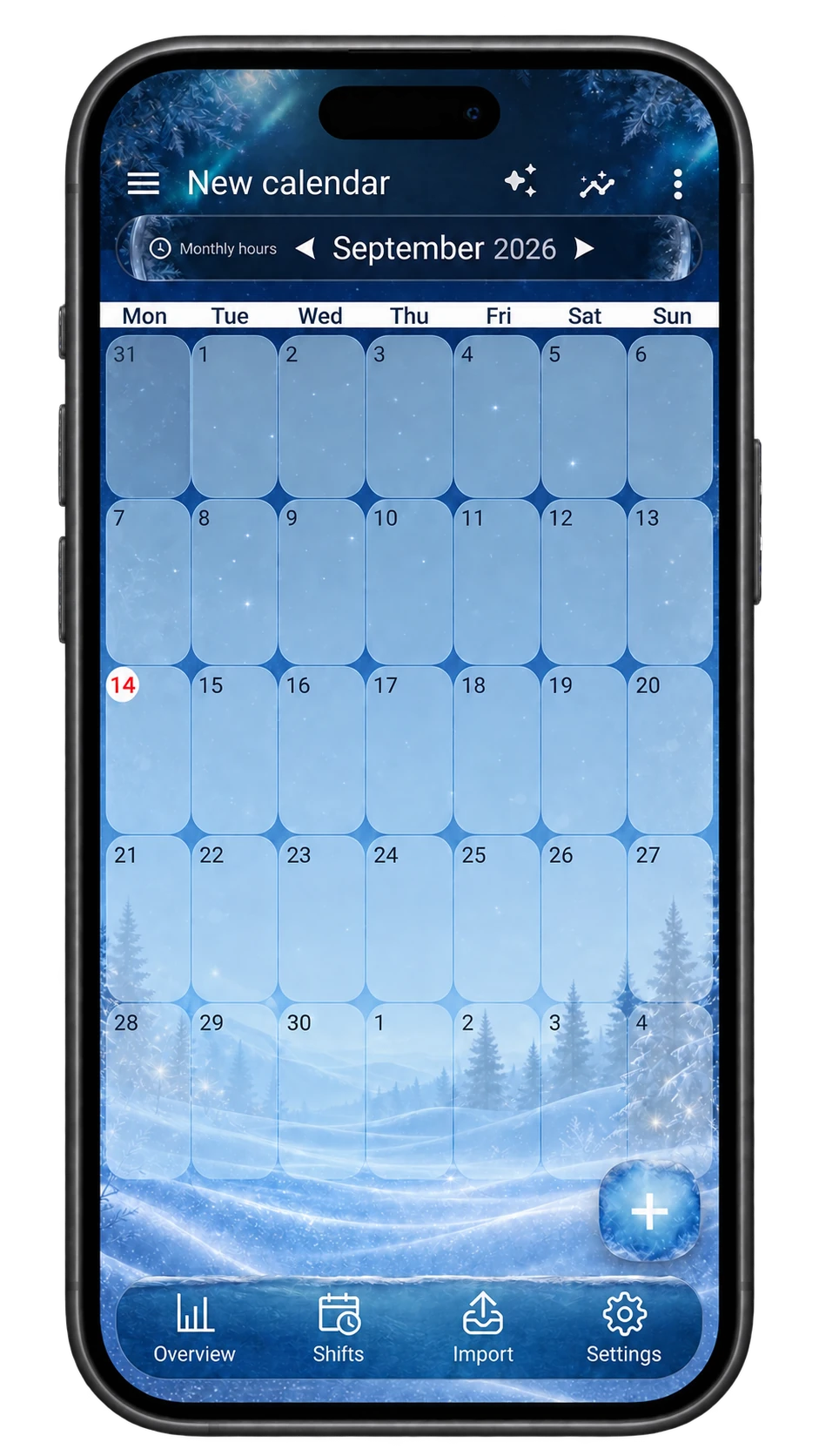
A peaceful atmosphere, all year round.
Real screenshots. Appearance and features may vary with the app version.
BEFORE YOU START
On Google Play, for compatible Android devices. The buttons on this page take you directly to the official app listing.
The download is free. The app contains ads and may offer in-app purchases or subscriptions. Current prices, terms and availability are shown on Google Play and in the app.
Import features are available for compatible documents and images. File quality and format affect the result: always check the recognised shifts. Usage limits may apply.
You need to configure them in the app and grant the necessary permissions. Battery, notification and operating system settings can affect how they run.
No. This is the app’s introduction page. Install ShiftMate from Google Play to manage your shifts. This website does not access your calendar data.
A LITTLE CALMER BEFORE YOUR NEXT SHIFT
Make ShiftMate part of your day. Start with your next shift.

Free download · Ads and in-app purchases